Camera Connection & Roll Transfer
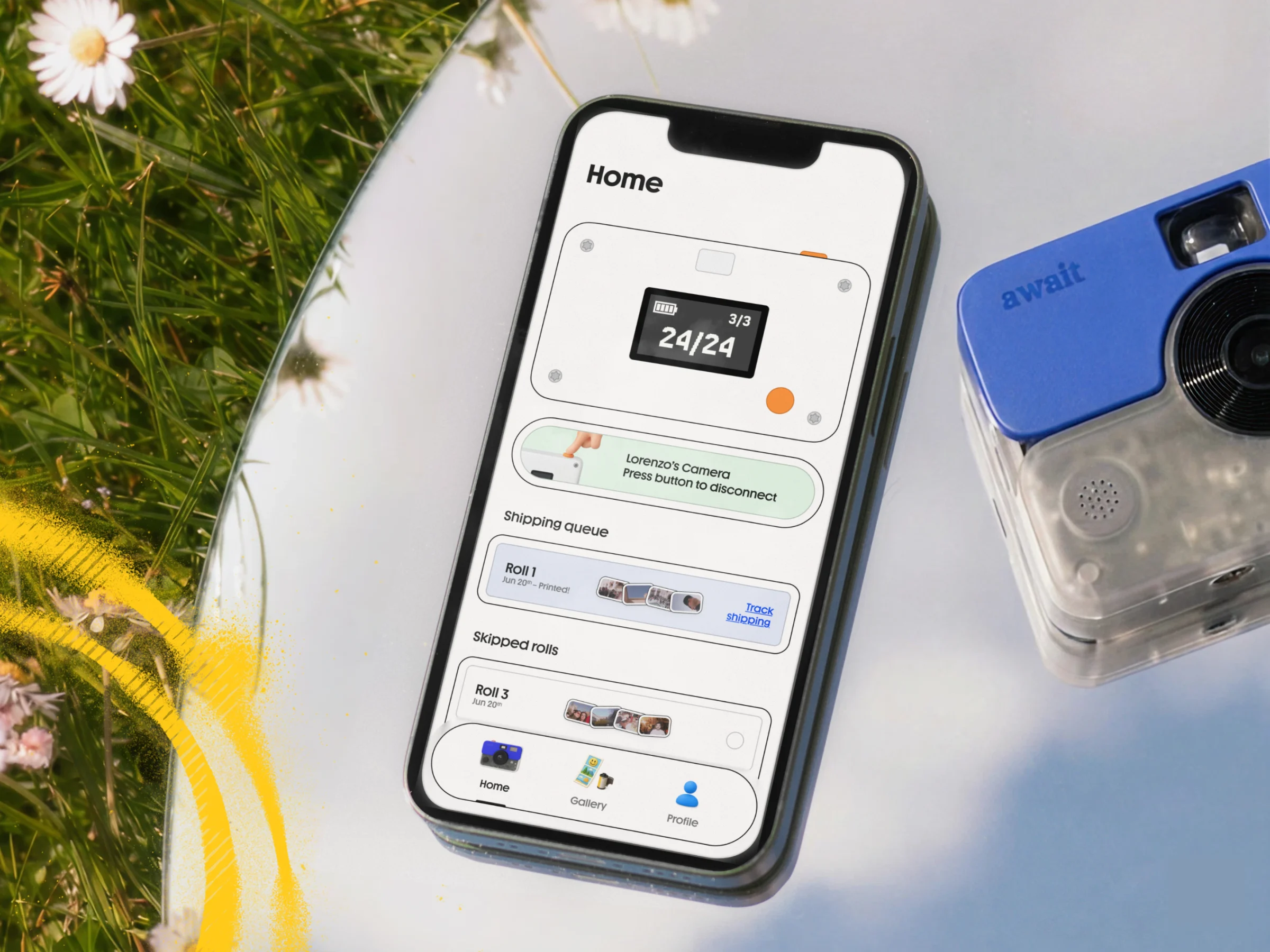
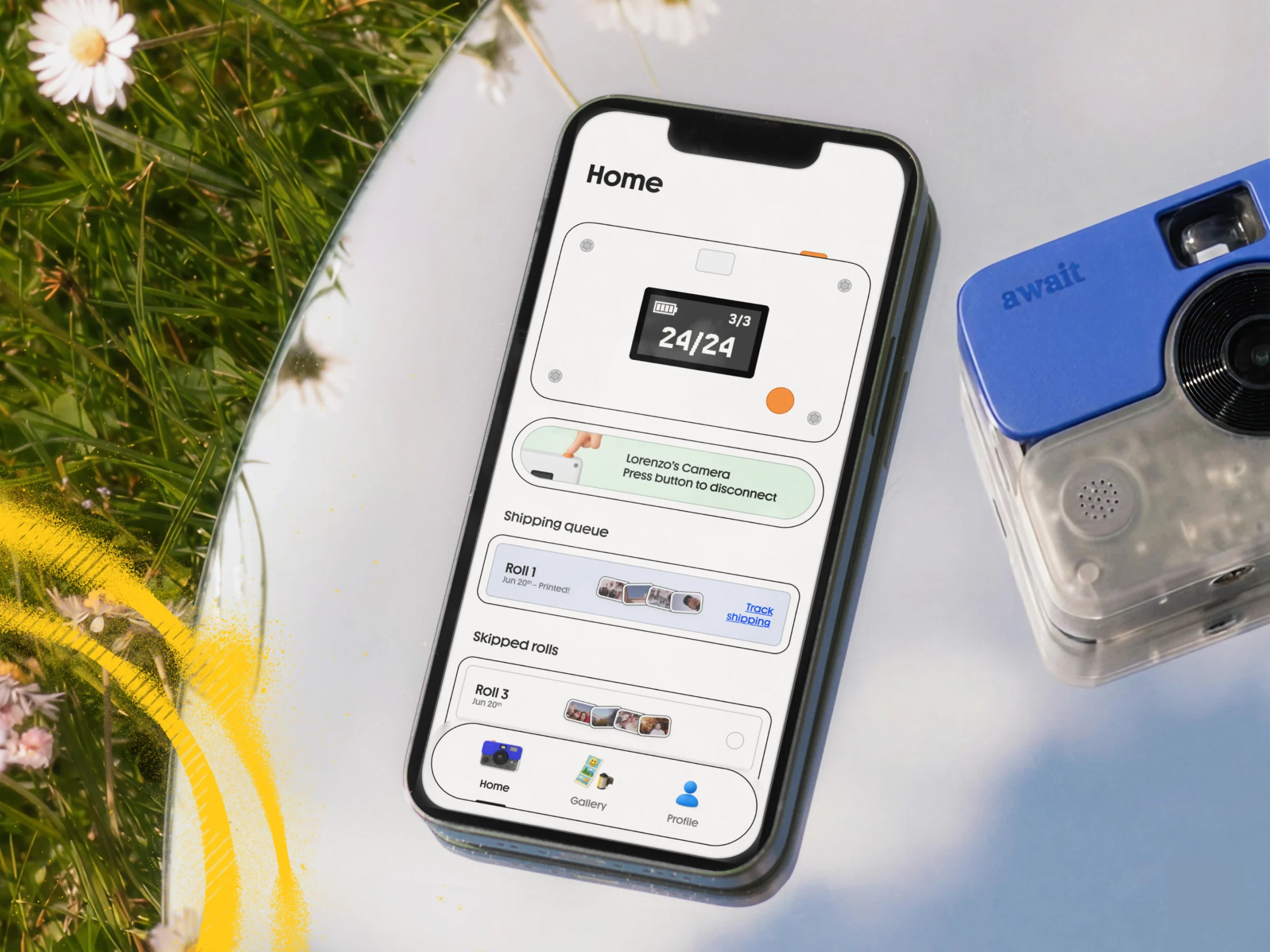
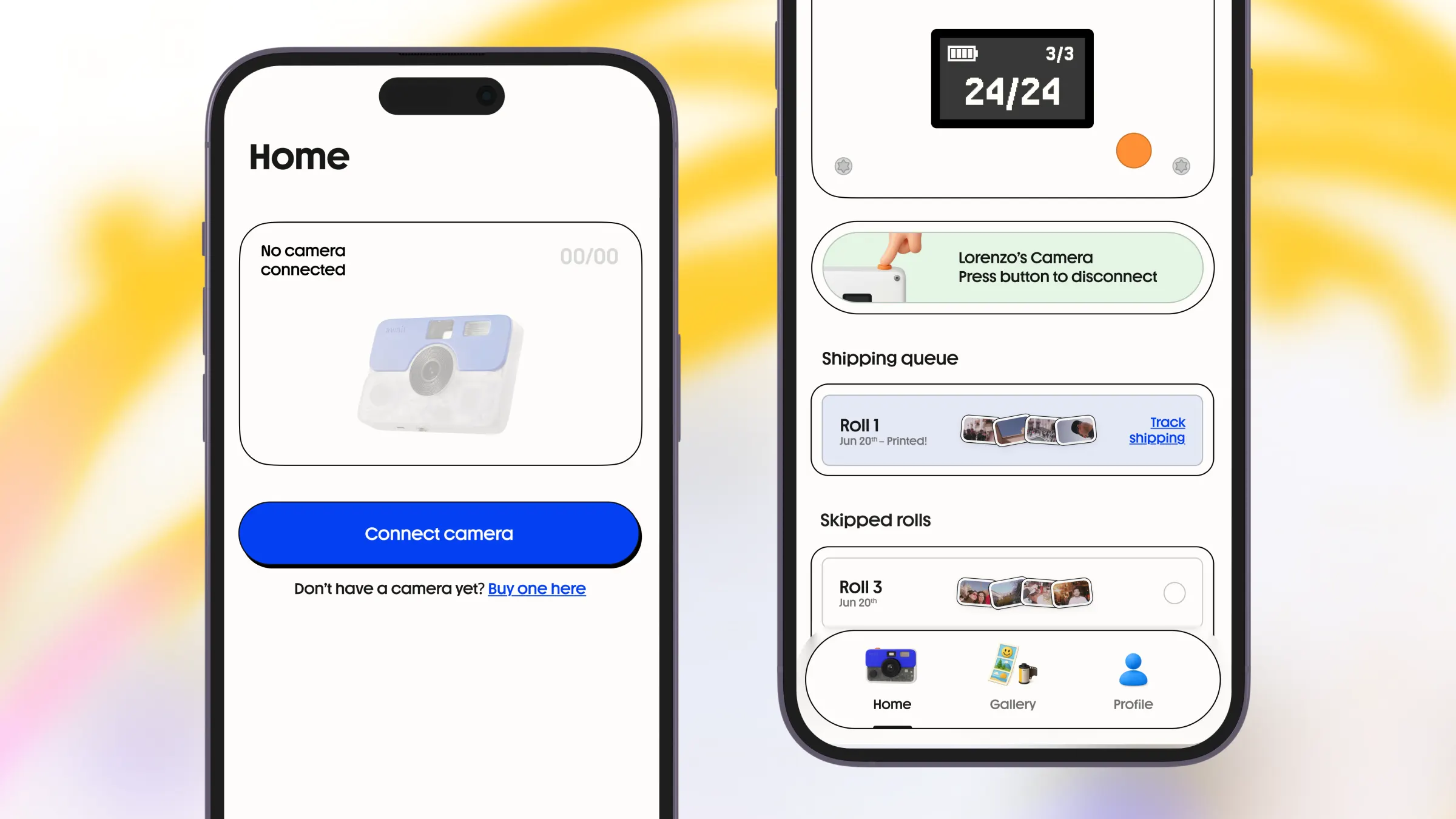
The app establishes communication between the Await camera and mobile devices, allowing users to transfer photo rolls directly into the app.
The transfer process includes:
- Camera-to-phone synchronization
- Roll management
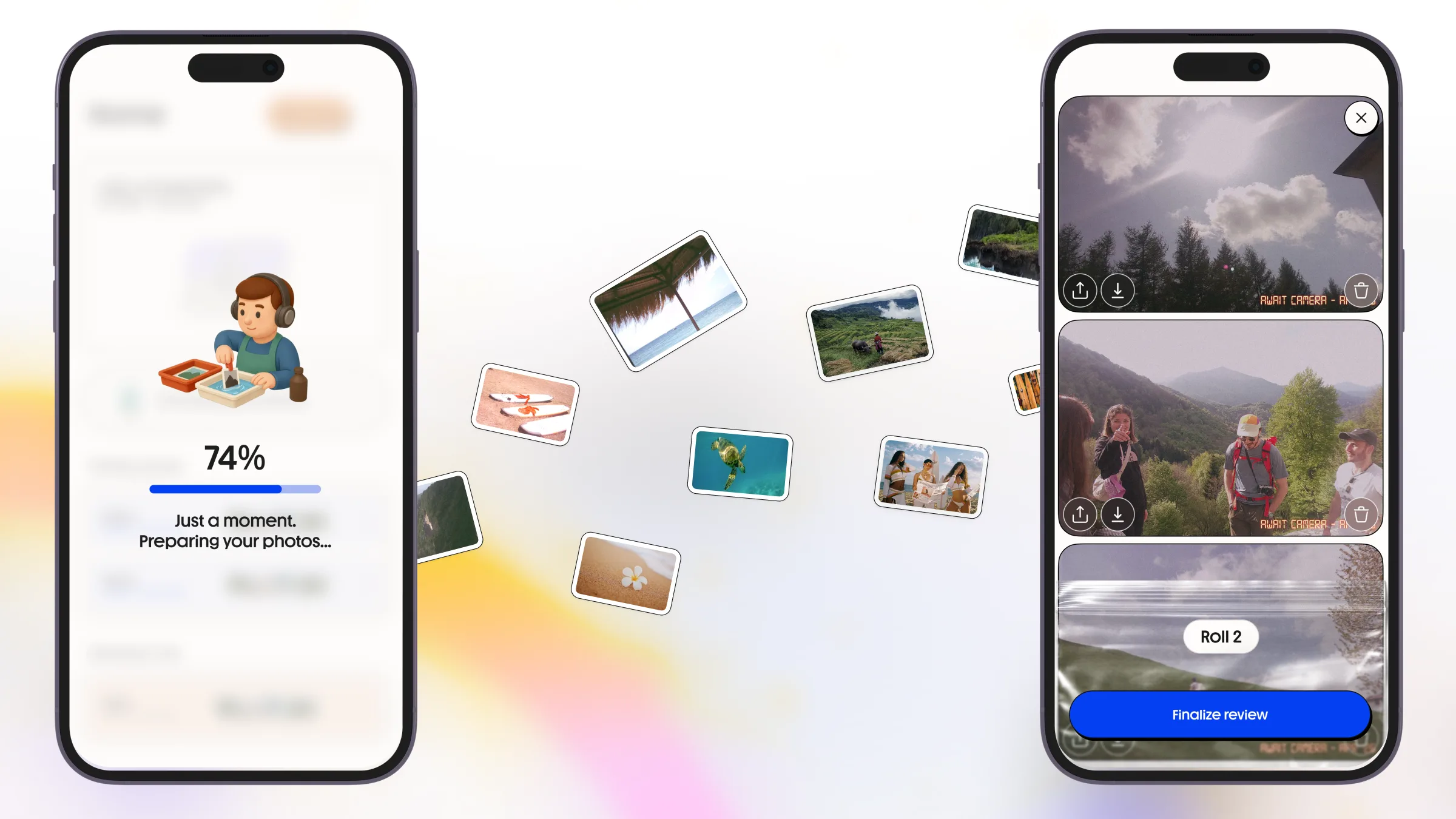
- Transfer progress loaders
- Error handling for interrupted transfers
Special attention was given to transfer stability and handling edge cases related to Wi-Fi communication and device state changes. The implementation included complex synchronization logic, connection recovery handling, multi-stage roll processing flows, and transfer retry logic designed to improve stability across real-world device conditions.
Photo Processing & Delivery
Transferred photos are processed and prepared for viewing, storage, and print fulfillment.
The system supports:
- Cloud-based image delivery
- Dynamic image transformations
- Thumbnail generation
- Watermark support
- Optimized image loading for mobile devices
This architecture allows scalable image management while keeping the user experience responsive.
Gallery & Photo Management
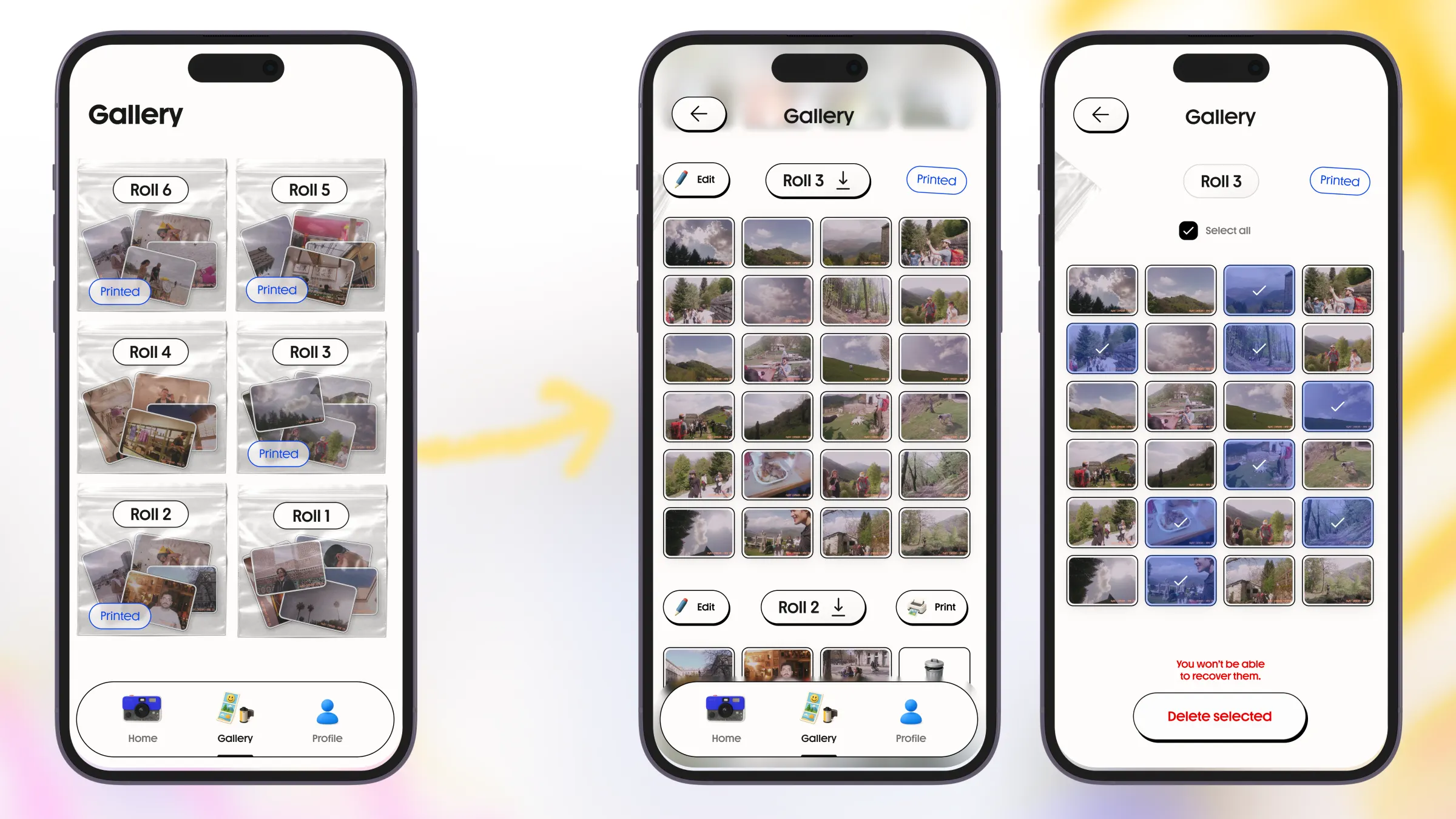
The application includes a gallery system where all synchronized rolls and processed photos are stored and organized inside the app.
Users can:
- Browse rolls and individual photos
- View processing and print statuses
- Select multiple photos
- Download photos to their devices
- Share photos externally
- Delete selected photos
- Manage print-related photo actions
The gallery flow was designed to provide a smooth and intuitive experience while handling large image collections, synchronization states, and cloud-delivered content.
Special attention was given to roll organization, photo state management, and responsive gallery performance during synchronization and processing-heavy flows.
Printing Flow Integration
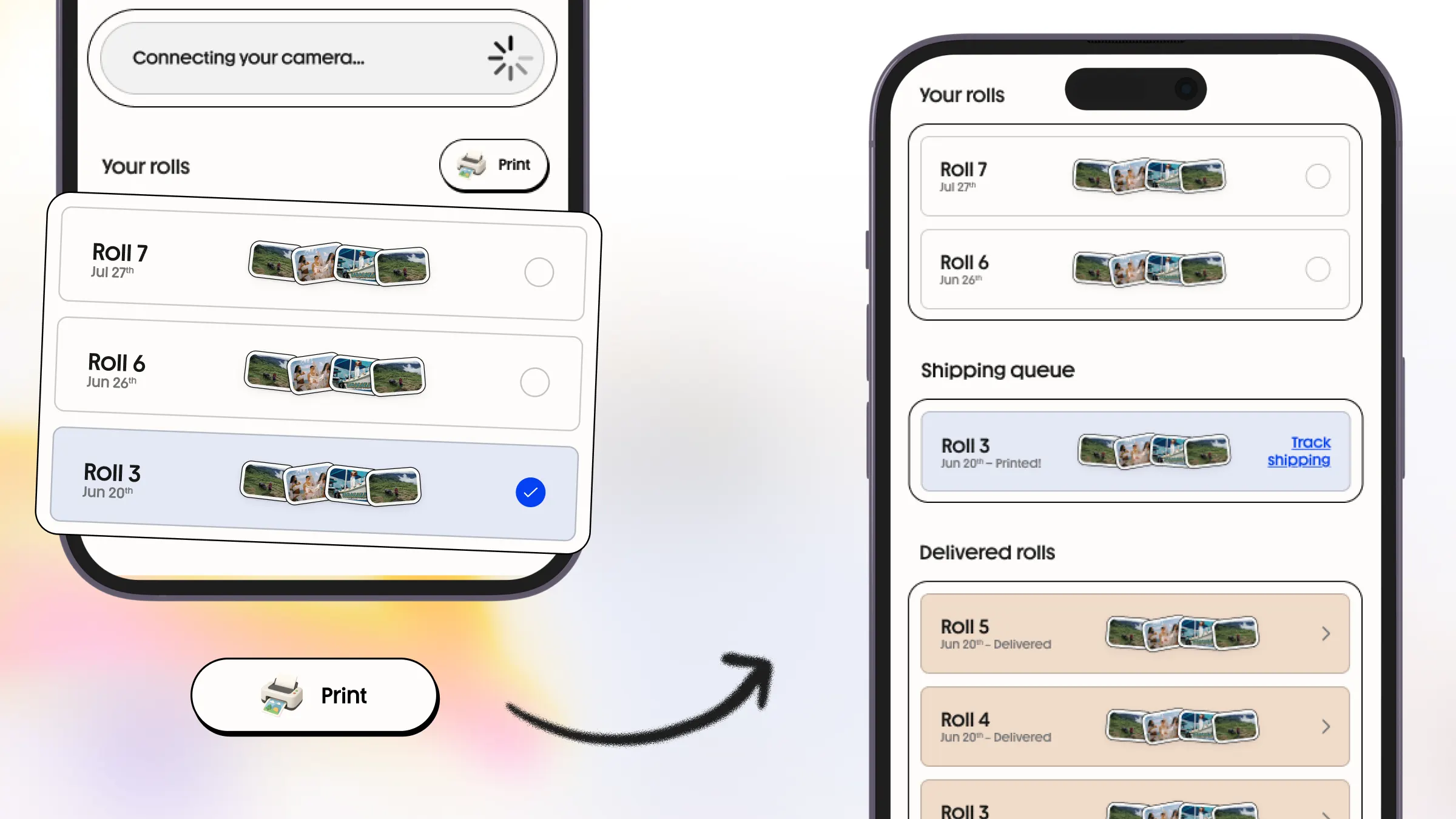
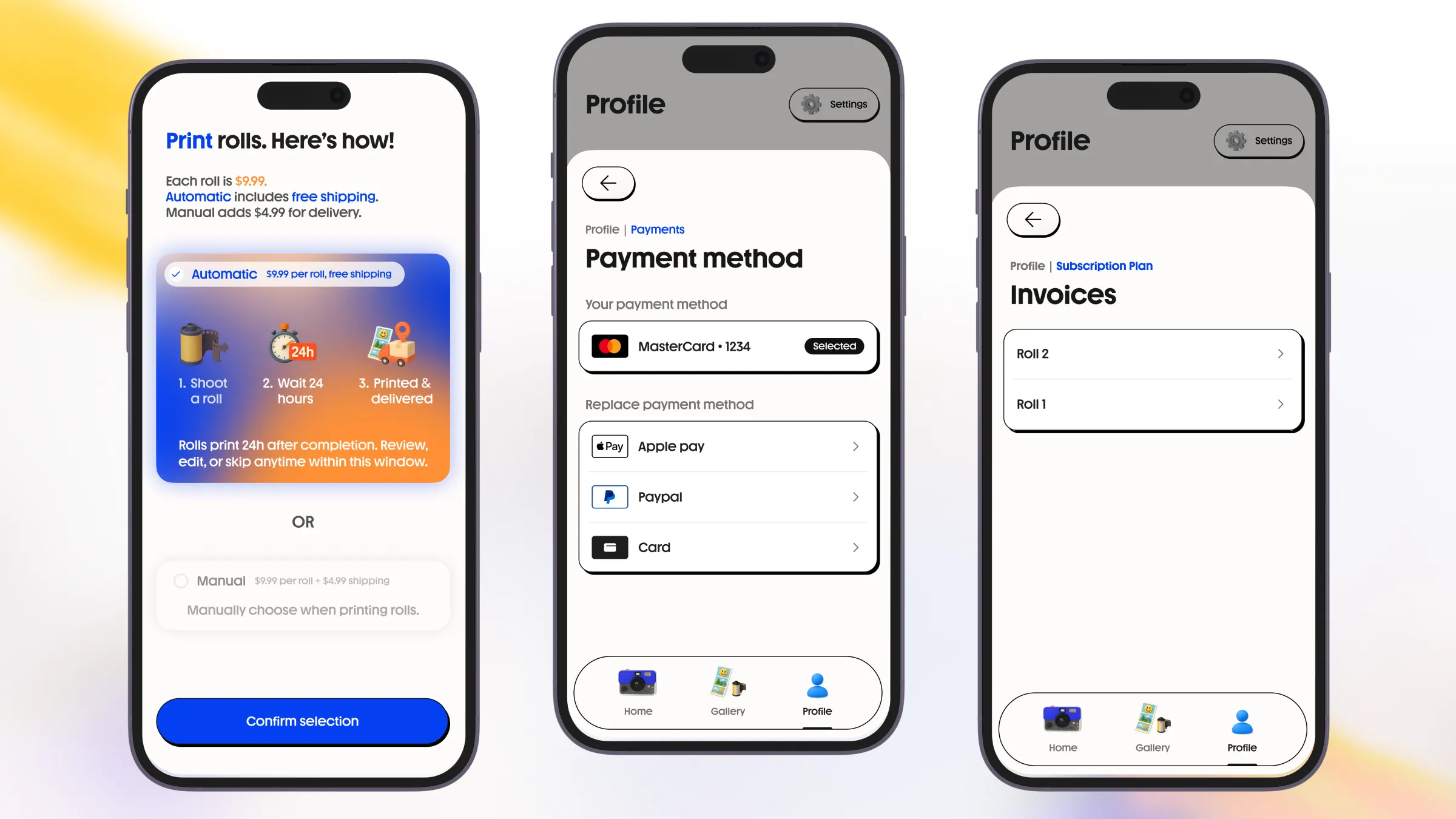
The application supports print ordering directly from the mobile experience.
Users can:
- Select roles for printing or use automatic mode
- Receive quote calculations
- Submit print orders
- Track fulfillment statuses
The system integrates with Cloudprinter APIs to automate print workflows and order processing.
Payments & Checkout
Stripe integration enables users to complete purchases directly inside the application.
The implementation supports:
- PaymentSheet flows
- Apple Pay
- Google Pay
- Saved payment methods
- Webhook-based payment confirmation handling
This ensured a streamlined and secure checkout experience across platforms.
Camera Ownership & Unlink Protection Flow
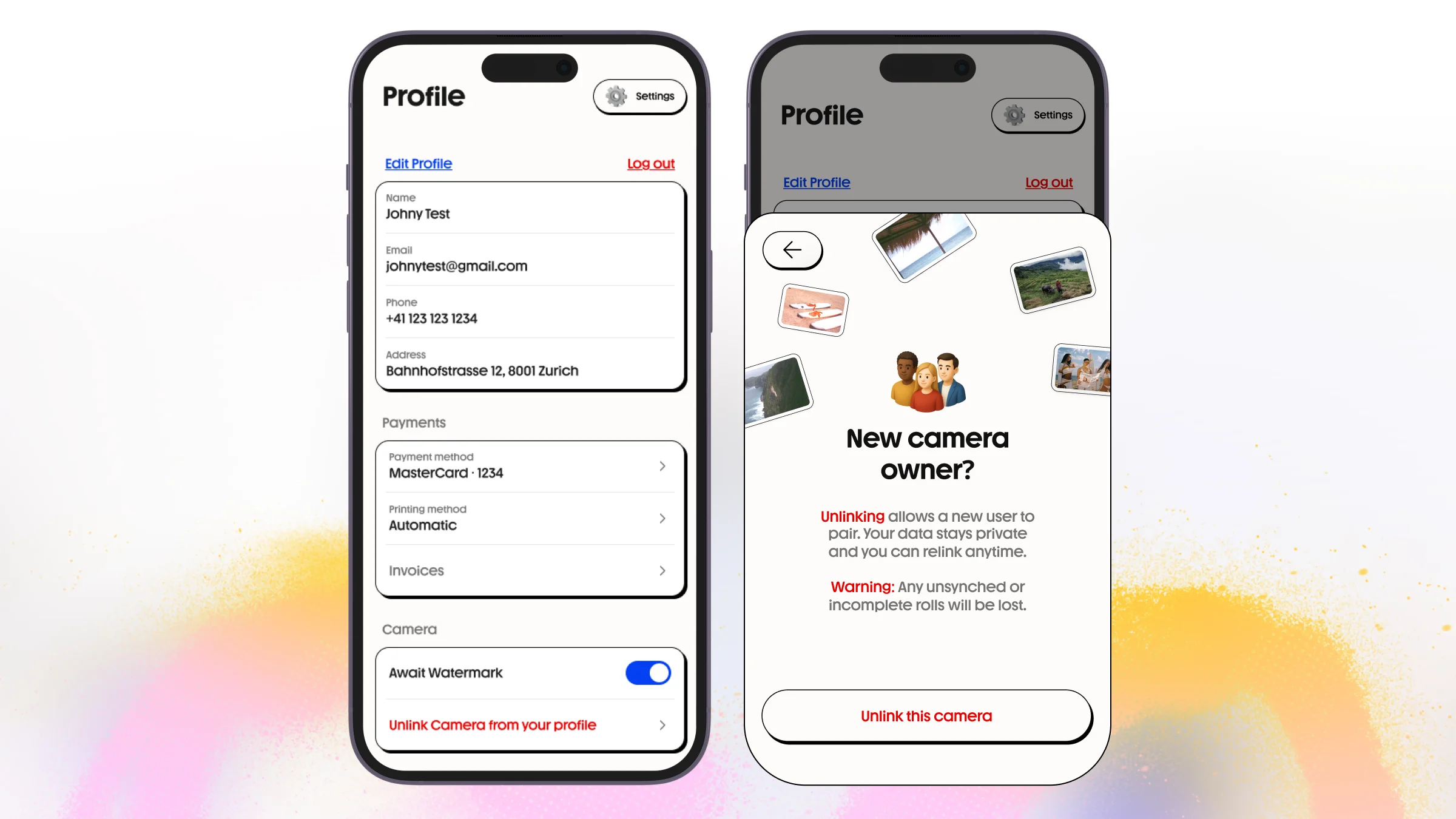
The application includes a protected camera ownership system designed to improve device security and user privacy.
Once a camera is connected to a user account, another user cannot connect the same device without first unlinking it from the original account.
The unlink flow includes:
- Secure camera ownership validation
- Camera unlinking from the current account
- Protection against unauthorized device reassignment
- Automatic deletion of unfinished rolls from the camera during unlinking
- Prevention of accidental personal data transfer between users
This flow was implemented to improve privacy protection, secure user-generated content, and reduce risks related to stolen or reassigned devices.
Notifications & User Communication
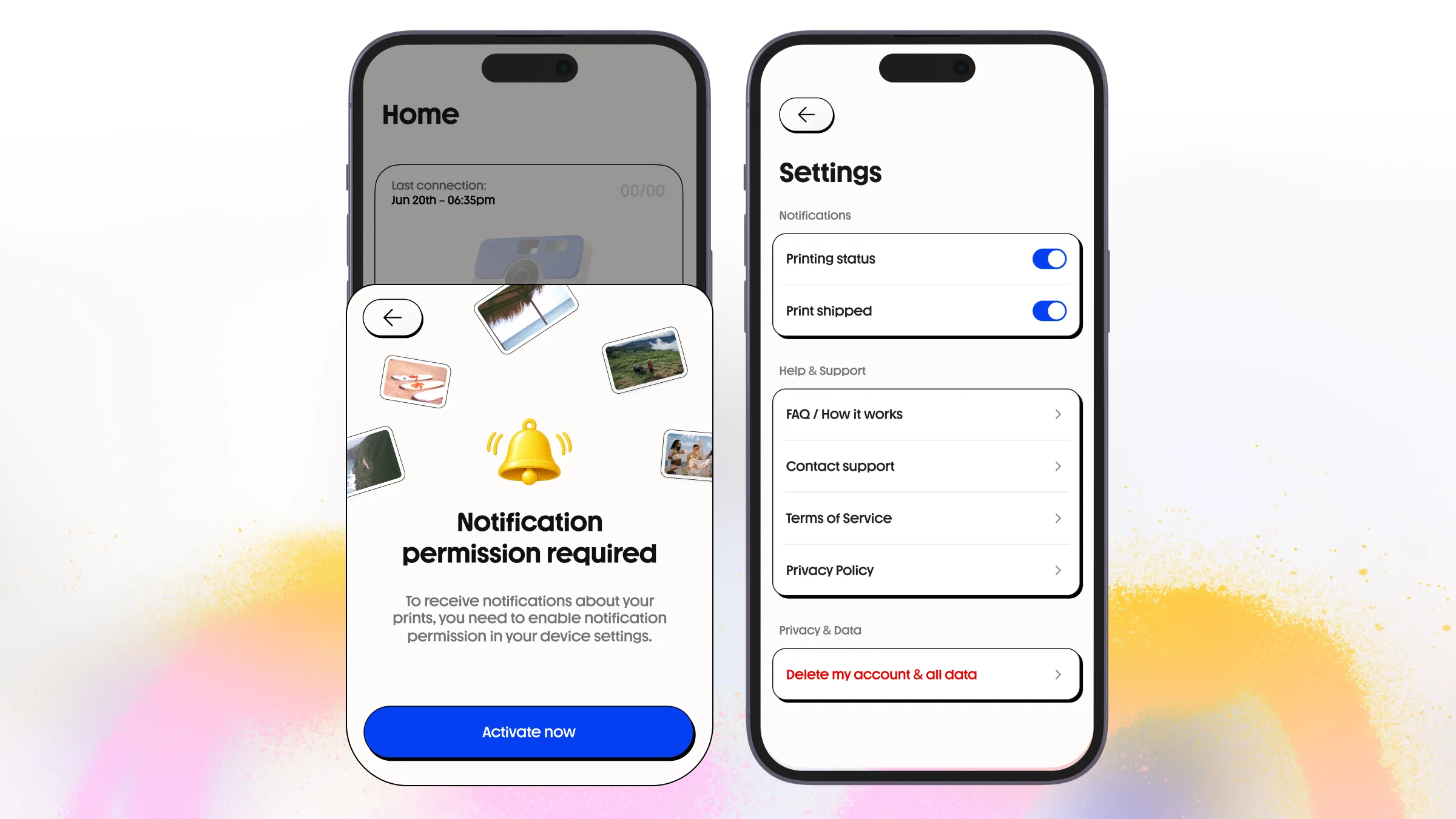
Push notifications help users stay informed about:
- Transfer completion
- Processing status
- Print order updates
- General app communication
Firebase Cloud Messaging was integrated for both iOS and Android platforms.